You’re spending money on TikTok ads. But without the pixel, you’re flying blind. You have no idea who converted, which ad drove the sale, or whether you’re targeting the right people.
The TikTok pixel setup is a small piece of JavaScript code you place on your website. It tracks visitor behavior and sends that data back to TikTok Ads Manager. Purchase completions, add-to-cart events, form submissions — all of it flows back and connects to the exact ad that triggered the action.
That’s conversion tracking tiktok-style. And it’s the backbone of any campaign that actually scales.
Set these up first or the pixel installation guide won’t get you far:
If you’re running ads without these 3 things, fix that first.
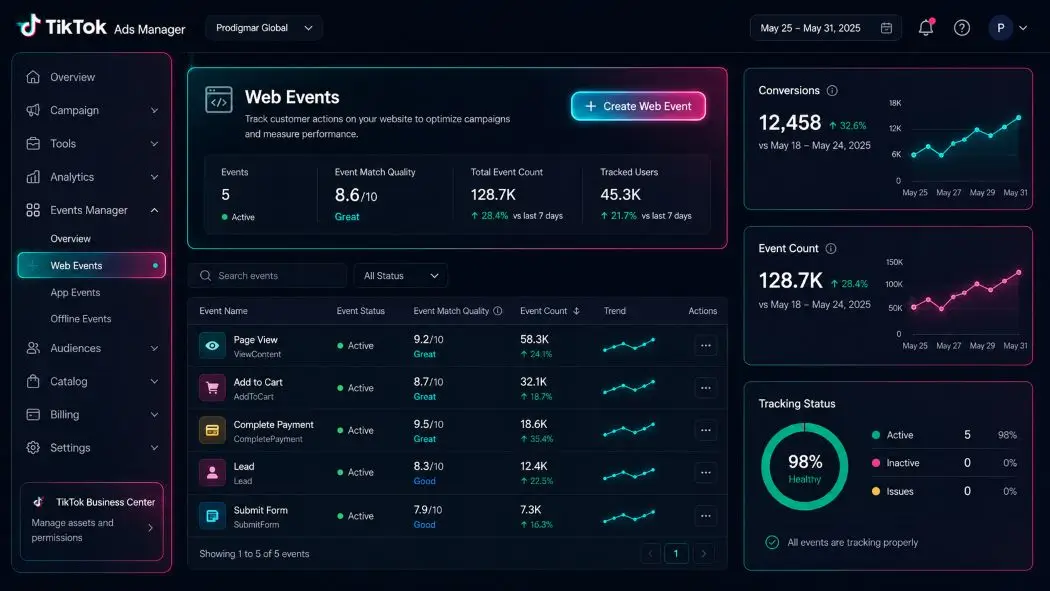
Log into TikTok Ads Manager. Go to Assets > Events > Web Events.
Click Create Pixel. TikTok will ask you to name it. Use something specific: “Prodigmar-Main-Site” beats “My Pixel” every time. You’ll thank yourself when you’re managing 4 pixels across 3 clients.
TikTok gives you 2 installation options: TikTok Pixel (manual code) or Events API. For most businesses, the standard pixel works fine. If you’re on Shopify, WooCommerce, or another major platform, there’s likely a native integration that cuts the setup time to about 10 minutes.
TikTok will give you a base code snippet. It looks like this:
<script>
!function (w, d, t) {
w.TiktokAnalyticsObject=t;
var ttq=w[t]=w[t]||[];
// … pixel base code continues
}(window, document, ‘ttq’);
ttq.load(‘YOUR_PIXEL_ID’);
ttq.page();
</script>
Paste this into the <head> section of every page on your site. If you’re using a CMS like WordPress, drop it into your theme’s header.php or use a header/footer plugin.
Using Google Tag Manager? Even easier. Create a new tag, choose “Custom HTML,” paste the pixel code, and fire it on “All Pages.” Publish and you’re done.
The pixel installation guide stops mattering if the code doesn’t fire on every page. Use TikTok’s Pixel Helper Chrome extension to verify it’s working.
The base pixel tracks page views. That’s a start. But event tracking ads real intelligence to your data.
TikTok’s standard events cover most use cases:
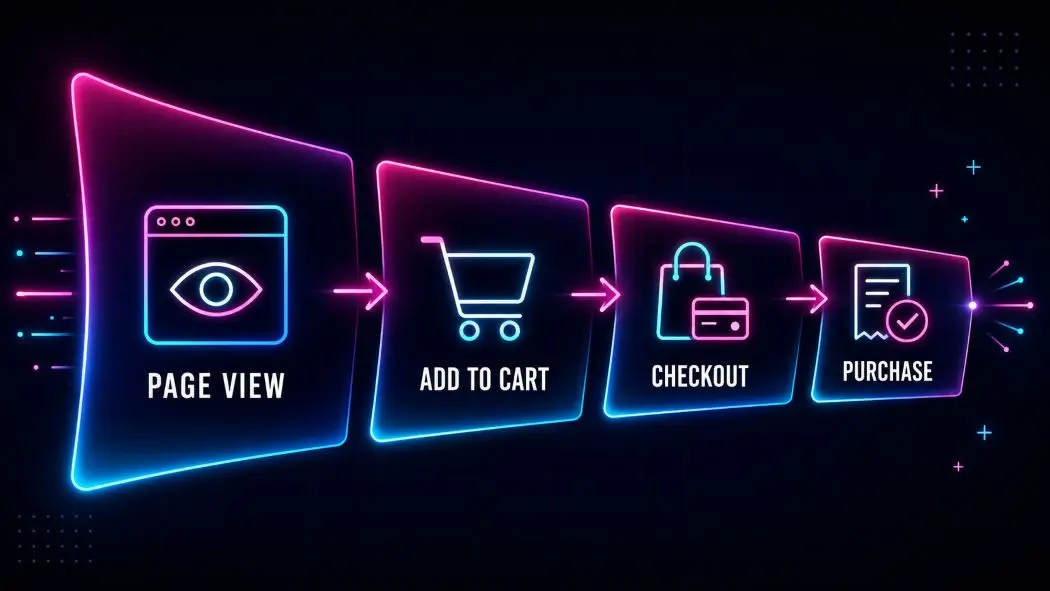
Each event needs its own code snippet added to the relevant page or action. For a purchase, you’d fire CompletePayment on your order confirmation page. For a lead gen business, SubmitForm fires when someone hits your thank-you page after filling out a contact form.
Here’s what a CompletePayment event looks like:
ttq.track(‘CompletePayment’, {
content_id: ‘product_123’,
content_type: ‘product’,
currency: ‘USD’,
value: 49.99
});
Pass the actual transaction value. TikTok uses that data to optimize toward high-value customers, not just any customer.
Install the TikTok Pixel Helper extension from the Chrome Web Store. Browse to your site, trigger the events manually (add something to cart, go through checkout), and watch the extension confirm each event fires.
Back in Ads Manager, go to Web Events > Test Events. TikTok shows you live event activity in real time. If CompletePayment fires when you complete a test purchase, you’re good. If nothing shows up, the code placement is wrong or there’s a JavaScript conflict.
Fix it before you launch. Burning ad spend against broken tracking is one of the most expensive mistakes in PPC.
Creating the pixel means nothing until it’s attached to a campaign. When you create or edit a TikTok ad set, you’ll see a “Tracking” section. Select your pixel there.
Set your Optimization Event to the action that matters most. For e-commerce, that’s CompletePayment. For lead gen, it’s SubmitForm.
TikTok’s algorithm needs roughly 50 conversion events per week to learn effectively. If your volume is low, optimize for a higher-funnel event first (like AddToCart or InitiateCheckout) and move to purchase optimization once data builds up.
This is the same logic behind solid Google Ads campaign structures — train the algorithm on what good looks like, then let it run.
If you’re on one of these platforms, skip the manual installation entirely.
Shopify: Install the TikTok app from the Shopify App Store. It handles pixel installation and purchase event firing automatically. Takes about 5 minutes.
WooCommerce: Use the official TikTok for WooCommerce plugin. Same deal.
Squarespace and Wix: Both have native TikTok integrations under their marketing or analytics settings.
For custom-built sites or headless setups, manual installation is the path. The website maintenance overhead is worth it — proper tracking pays for itself fast.
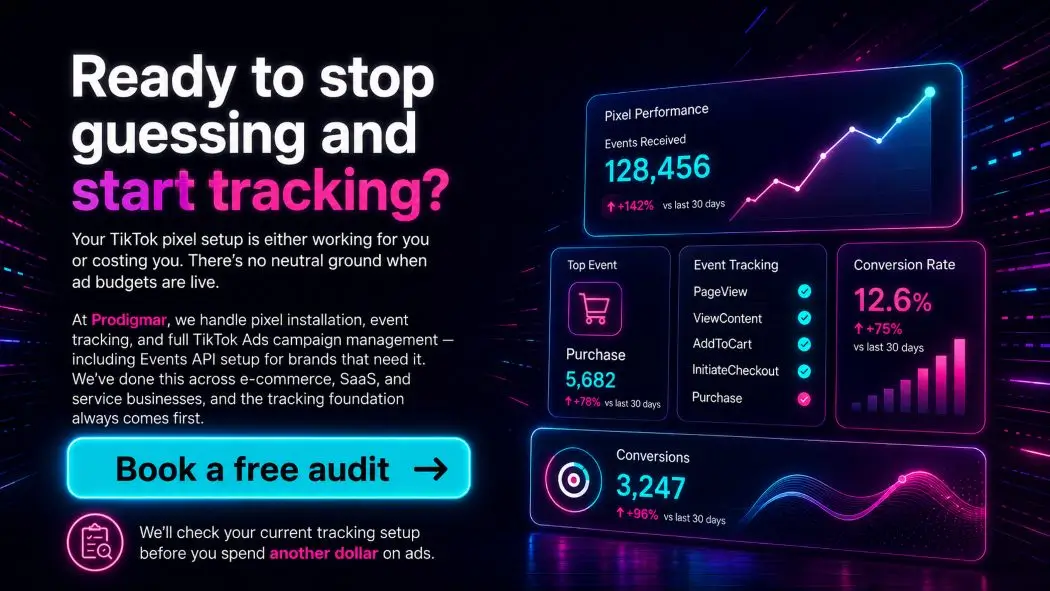
Your TikTok pixel setup is either working for you or costing you. There’s no neutral ground when ad budgets are live.
At Prodigmar, we handle pixel installation, event tracking, and full TikTok Ads campaign management — including Events API setup for brands that need it. We’ve done this across e-commerce, SaaS, and service businesses, and the tracking foundation always comes first.
Book a free audit and we’ll check your current tracking setup before you spend another dollar on ads.
iOS 14.5 and subsequent privacy updates hit pixel accuracy hard. Apple’s App Tracking Transparency limits how much data the browser-side pixel captures.
TikTok’s Events API (also called server-side tracking) sends conversion data directly from your server to TikTok, bypassing browser restrictions entirely. It runs in parallel with the pixel, not instead of it. Together they give you much better match rates.
If you’re spending more than $3,000/month on TikTok ads, the Events API is worth setting up. Most digital marketing agencies treat it as standard now.
External resource: TikTok Events API official documentation
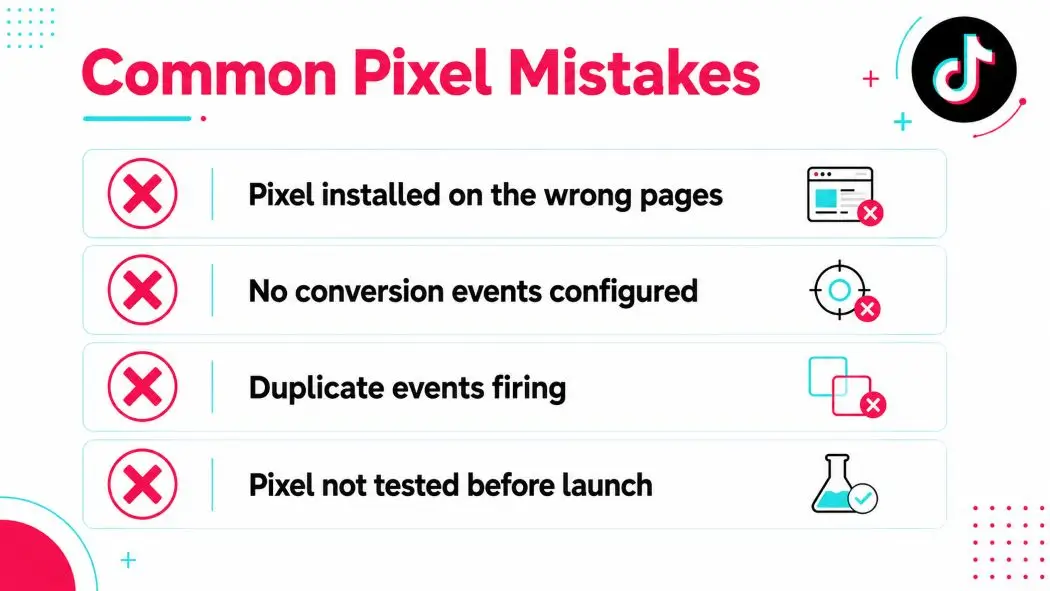
Firing events on the wrong page. CompletePayment should fire on your order confirmation page, not your checkout page. Firing it a step early inflates your conversion count with people who abandoned.
Missing the value parameter. If you don’t pass transaction value, TikTok can’t optimize for revenue — only for raw conversion volume. Those are very different targets.
No UTM parameters. The pixel tracks on-site behavior, but UTMs in your ad URLs let you cross-reference in Google Analytics or any other analytics tool. Use both.
Skipping the test. At least 30% of manual pixel installs have some error. Always test with Pixel Helper before spending a dollar.
This pairs directly with Instagram Ads tracking principles — the same attention to event hierarchy applies across Meta and TikTok.
The pixel fires immediately after installation. But it takes 24-48 hours for data to appear in Ads Manager reports. Don't panic if the dashboard looks empty right after setup.
Aim for at least 1,000 matched events before splitting out a custom audience retargeting pool as its own ad set. Below that, the audience is too small for TikTok's algorithm to exit the learning phase properly. Keep running cold traffic, building the Pixel base, and launch retargeting once the data is there.
No. Each TikTok Ads Manager account has its own pixels. If you're running ads from 2 separate accounts for the same website, you'd need 2 separate pixels on-site — or use the Events API, which is more flexible for multi-account setups.
Start with the 3 that matter most for your business model. E-commerce: ViewContent, AddToCart, CompletePayment. Lead gen: PageView, SubmitForm. Adding more events is easy once the core ones are verified and firing correctly.
Minimally. The script is asynchronous, so it loads without blocking your page content. Sites running 10+ marketing scripts sometimes see aggregate slowdowns, but the TikTok pixel alone won't noticeably affect load time.
The pixel runs in the browser and captures data client-side. The Events API runs on your server. Browser-side tracking gets blocked by ad blockers and iOS privacy settings. Server-side doesn't. Running both gives you the most complete picture. For most advertisers, start with the pixel. Add the Events API when you're ready to tighten accuracy.

Click to chat