TikTok Ads for Beginners: Step-by-Step Setup Guide (2026) | Prodigmar
TikTok has taken the world by storm, offering a platform where businesses, influencers, and creatives can connect with millions globally. With its fast-growing user base, it’s no surprise that TikTok ads have become a valuable tool for advertisers. But if you’re new to the platform, setting up ads might feel overwhelming. Don’t worry, we’ve got you covered. This TikTok Ads guide will walk you through everything you need to know to set up successful campaigns in 2026.
Let’s dive in and explore how to get started with TikTok Ads for beginners, from setting up your first campaign to optimizing your ads for maximum impact.
Why TikTok Ads for Beginners?
TikTok’s popularity skyrocketed in recent years, with over 1 billion active users globally in 2026. With such a massive audience, it’s become one of the most lucrative platforms for businesses to reach younger and more diverse demographics. Whether you’re promoting a product, service, or brand, TikTok ads offer a creative and engaging way to grab attention.
So, if you’re wondering how to start TikTok ads—you’re in the right place. This guide covers everything you need to set up a TikTok ad campaign, even if you’re a complete beginner.
Step 1: Setting Up Your TikTok Ads Account
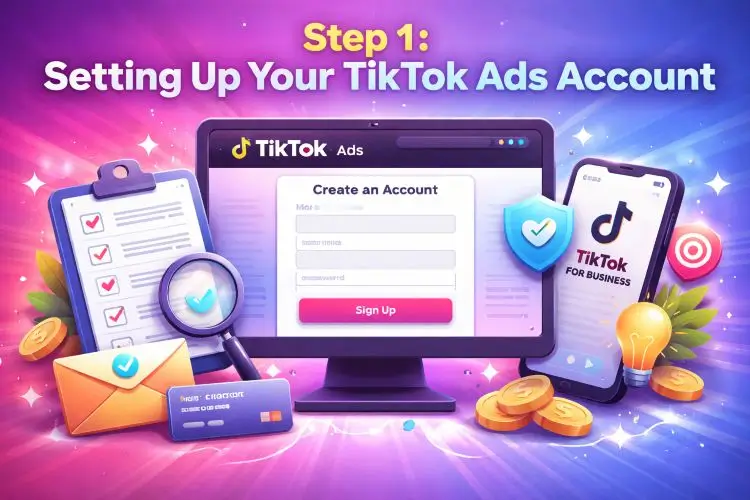
The first thing you need is a TikTok Ads account. You can do this in just a few simple steps:
- Go to the TikTok Ads Manager
and click on “Create an Account.” - Fill in your basic details: company name, email address, etc.
- After confirming your email, you’ll be directed to the TikTok Ads dashboard, where you can start creating your campaigns.
Make sure to complete all necessary business verifications. TikTok may ask for your business information to ensure compliance with their advertising policies.
Pro Tip:
Ensure your TikTok Ads account is linked to your TikTok For Business account. It’s essential to track campaign performance effectively.
Step 2: Understanding the TikTok Ad Format
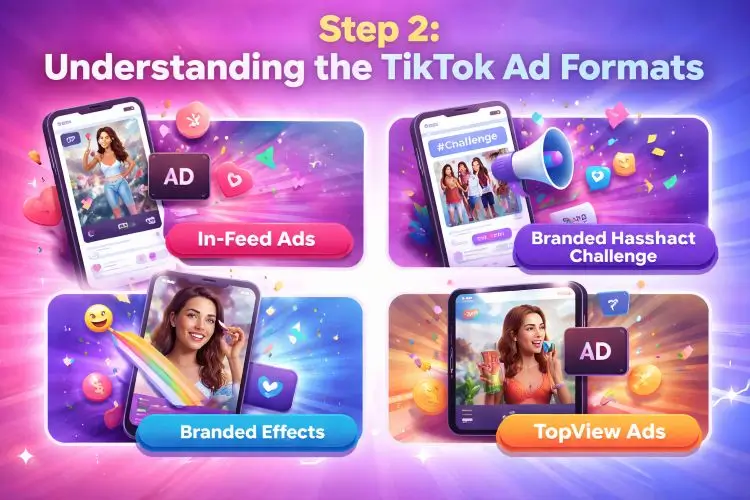
TikTok offers several ad formats. As a beginner, it’s essential to choose the right one for your goals. Here’s a quick rundown:
- In-Feed Ads: These ads appear in users’ TikTok feeds as they scroll, similar to regular posts but labeled as ads.
- Branded Hashtag Challenge: Encourage users to participate in challenges by creating content around your brand’s hashtag.
- Branded Effects: Custom filters that users can apply to their own videos, creating viral potential.
- TopView Ads: The first thing users see when they open TikTok. These have high visibility and engagement rates.
Step 3: Choosing Your Campaign Objective
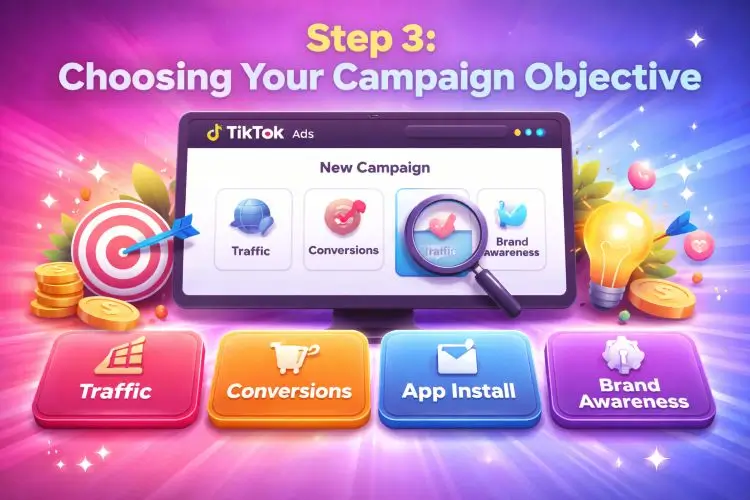
Once you’re set up, it’s time to create your TikTok ad campaign. TikTok allows you to choose specific objectives to align with your business goals. Here are a few options:
- Traffic: Drive more visits to your website or landing page.
- Conversions: Focus on specific actions, like making a purchase or signing up.
- App Install: Drive installs for your mobile app.
- Brand Awareness: Increase visibility and awareness of your brand.
For beginners, we recommend starting with Traffic or Conversions if you want immediate results. If you’re just getting started, it’s vital to match your campaign objective with your business goals.
Step 4: Budgeting and Bidding
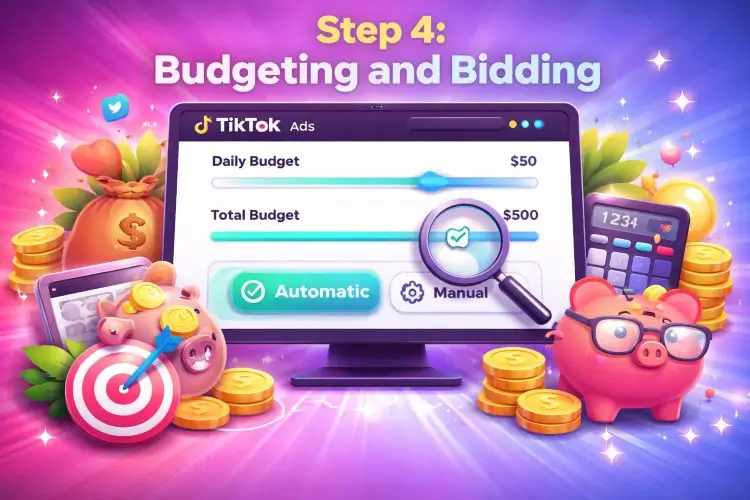
Before launching your TikTok ads, you need to determine your budget and set your bidding strategy. TikTok allows you to set both daily and total campaign budgets. Here’s a breakdown:
- Daily Budget: The average amount you want to spend per day.
- Total Budget: The total spend across the entire campaign.
TikTok offers automatic bidding, which is ideal for beginners. This means TikTok will adjust your bid based on performance. However, if you’re confident in your ad strategy, you can try manual bidding for more control.
Pro Tip:
Start with a modest budget to test how well your ads perform. Once you find a successful ad, you can scale your budget for better results.
Step 5: Audience Targeting
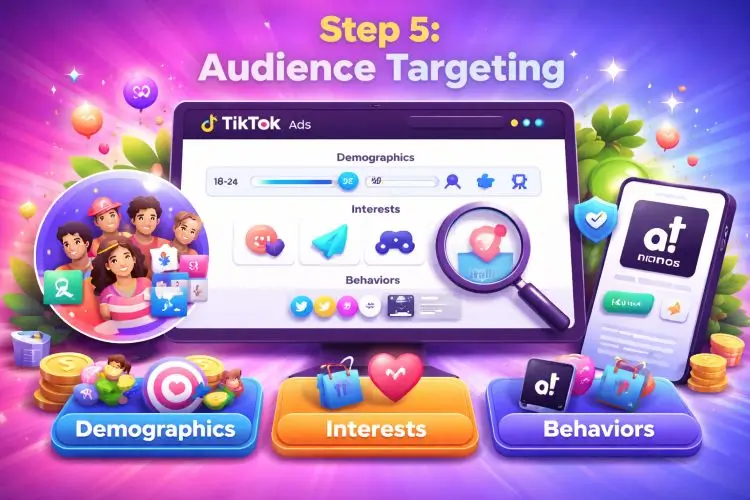
One of TikTok’s most powerful features is its advanced audience targeting. Here’s what you can target:
- Demographics: Age, gender, language, and location.
- Interests: Categories like music, sports, or fashion.
- Behaviors: Target users based on their in-app activities.
If you’re targeting a global audience, make sure you localize your ads to different regions for the best engagement.
Step 6: Creating Your First TikTok Ad
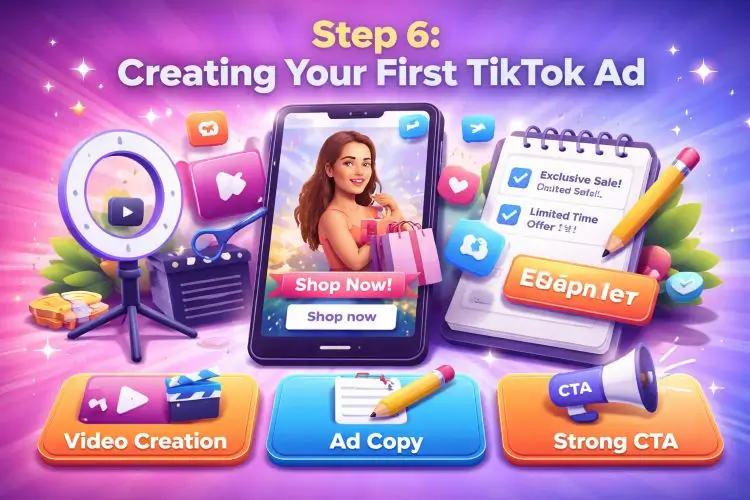
Now for the fun part—creating the actual ad! TikTok ads are unique because they blend in seamlessly with user-generated content. Here’s how you can create an ad that stands out:
- Video Creation: Focus on vertical video (9:16 aspect ratio) that is native to the TikTok format. Keep the video short, snappy and authentic.
- Ad Copy: Write a compelling and clear ad copy. Make it short, engaging, and action-oriented. For example: “Shop now for exclusive offers!”
- CTA: Use a strong Call to Action like “Shop Now,” “Learn More,” or “Sign Up.”
If you’re unsure how to create videos, TikTok’s Ad Creation Tools can guide you with easy-to-use templates.
Pro Tip:
TikTok is all about creativity. Consider adding music, filters and even text overlays to make your ad stand out.
Step 7: TikTok Campaign Setup and Launch
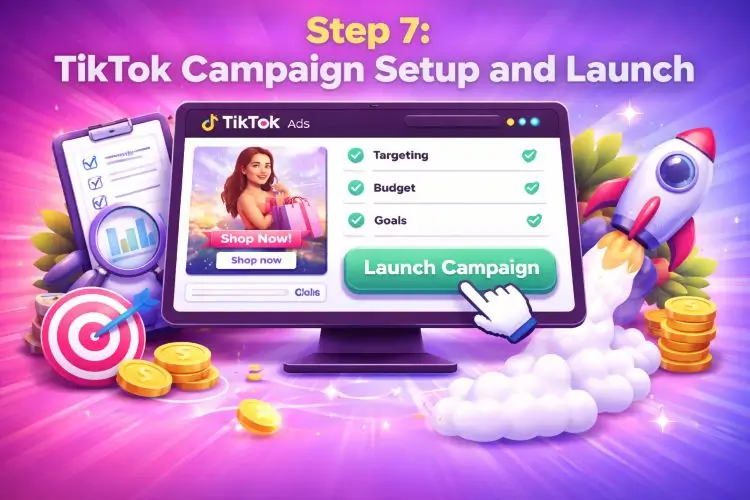
Once everything is set, it’s time to review your TikTok campaign setup. Ensure all settings are correct, from targeting to budget, before launching your campaign.
- Check Preview: Always preview your ad to ensure it looks good.
- Double-Check Metrics: Make sure your goals are set (i.e., traffic, conversions, etc.).
Once everything’s good to go, click on Launch Campaign.
Step 8: Monitoring and Optimizing Your TikTok Ads
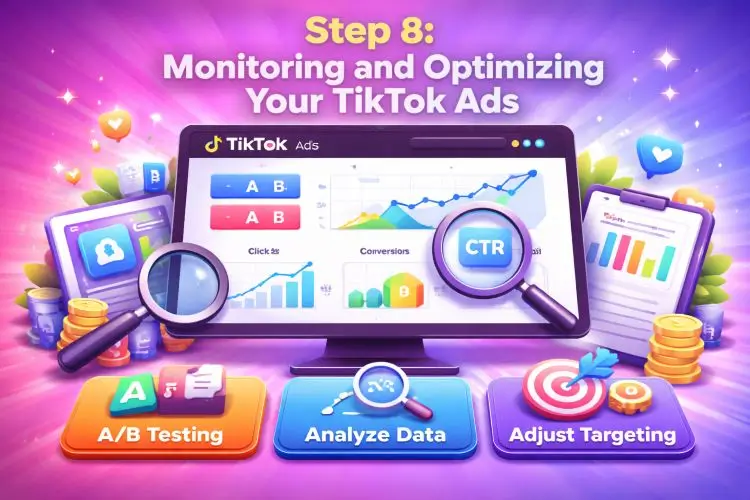
After your TikTok campaign is live, the next step is monitoring and optimizing. TikTok Ads Manager provides analytics to track performance, such as impressions, click-through rates (CTR), and conversion rates.
- A/B Testing: Test different ad variations to see what works best.
- Adjust Targeting: Fine-tune your audience based on performance data.
Pro Tip:
Regularly optimize your ads for better results. Small tweaks in your targeting or budget can lead to better performance.
Maximize Your TikTok Ads ROI with Prodigmar
Struggling to turn views into real sales with your TikTok ads? You’re not alone—many businesses waste budget because they lack a clear, data-driven strategy.
Get Proven Strategies and Insights with Prodigmar
Follow Prodigmar on TikTok for proven TikTok ads strategies that actually drive results. Get real campaign insights, creative ideas, and optimization tips that work in today’s market.
Comment “TIKTOK” on our latest video to get your FREE TikTok Ads Audit today!
Discover where your ad budget is leaking—and how to fix it fast.
https://www.tiktok.com/@prodigmar
Conclusion: TikTok Ads for Beginners
TikTok ads offer a great way to reach a massive, engaged audience. While it can be a bit overwhelming at first, following this step-by-step guide will make the process easier. Remember to experiment, optimize and engage with your audience to see the best results. The more you dive into TikTok ads, the better you’ll get at creating high-performing campaigns.
Frequently Ask Questions
How do I start TikTok Ads?
What is the best TikTok ad format for beginners?
How do I optimize my TikTok campaign for better results?
What budget should I start with for TikTok Ads?
How can I track my TikTok ad performance?