TikTok Ads Manager Explained: Proven Setup That Drives Sales | Prodigmar

Most people donât lose money on TikTok ads because the platform is bad.
They lose money because their setup is.
If your campaigns feel random, results look inconsistent, or your budget disappears faster than your motivation on Monday morning â youâre not alone. The truth is simple: TikTok Ads Manager works extremely well⊠but only when you use it the right way.
This guide shows you how to build a profitable TikTok campaign setup, not just a âboost and prayâ strategy.
Why Most TikTok Ads Fail (And How to Fix It)
Letâs be honest.
Most advertisers jump into tiktok ads manager thinking:
      âLetâs run something viral and see what happens.â
Thatâs not strategy. Thatâs gambling.
Hereâs what usually goes wrong:
- Wrong campaign objective
- Messy campaign structure
- No tracking setup
- Weak creative with no hook
- No testing strategy
The fix? A clear, structured system â the one youâre about to learn.
What Is TikTok Ads Manager (And Why Itâs Powerful)

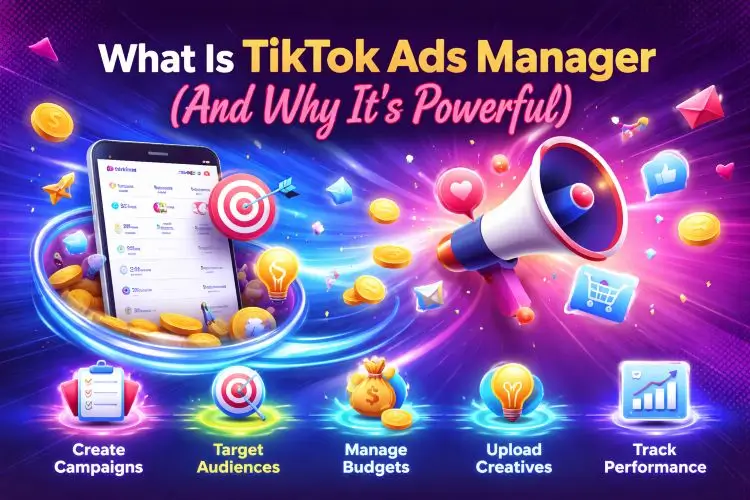
TikTok Ads Manager is your control panel for running ads on TikTok. It lets you:
- Create campaigns with specific goals
- Target the right audience
- Manage budgets and delivery
- Upload and test creatives
- Track real performance
TikTok itself confirms that Ads Manager allows businesses to create and manage campaigns in one place while controlling targeting and performance tracking.
But hereâs the real advantage:
đ TikTokâs algorithm rewards structured campaigns more than random ones.
So when you follow the right ads manager guide, youâre not just organized â youâre giving the algorithm what it needs to work in your favor.
The TikTok Campaign Structure That Actually Works

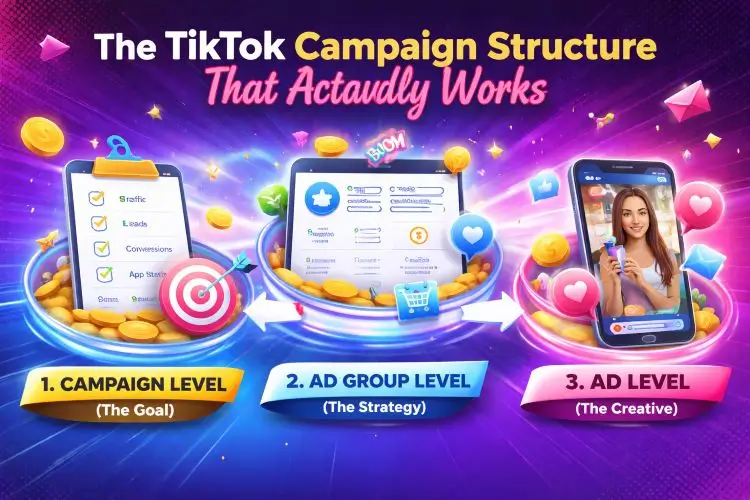
A clean tiktok campaign structure is your foundation. Without it, scaling becomes messy.
1. Campaign Level (The Goal)
This is where you choose your objective:
- Traffic
- Leads
- Conversions
- App installs
đ Rule: Always match your objective to your business goal.
If you want sales but choose traffic, youâre sending mixed signals.
2. Ad Group Level (The Strategy)
This is where real decisions happen.
Inside your ad group, you control:
- Audience targeting
- Budget and schedule
- Placements
- Optimization goals
- Bidding
đ This is the most important layer in your tiktok ads manager tutorial.
A weak ad group = wasted budget.
3. Ad Level (The Creative)
This is what users actually see.
Your ad includes:
- Video content
- Primary text
- CTA button
đ Even the best setup canât save boring content.
Step-by-Step TikTok Campaign Setup (That Converts)

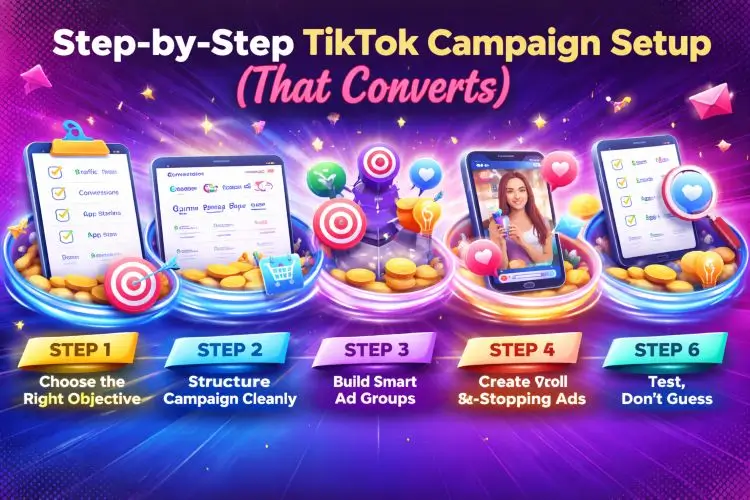
Letâs break down a pro-level tiktok campaign setup you can actually use.
Step 1: Choose the Right Objective
Start with clarity.
Ask:
đ âWhat action do I want users to take?â
If your goal is:
- Website visits â Traffic
- Purchases â Conversions
- Leads â Lead generation
Simple logic. Big difference.
Step 2: Structure Your Campaign Cleanly
Use a naming system like:
Conversion | Audience | Offer | Date
Example:
Conversion | US Audience | Summer Sale | May
đ This saves hours later when scaling.
Step 3: Build Smart Ad Groups
Instead of one messy ad group, create multiple focused ones:
- One audience per ad group
- One strategy per group
đ This improves testing and optimization.
Step 4: Install TikTok Pixel (Non-Negotiable)
If you skip this, youâre flying blind.
TikTok Pixel helps you:
- Track user actions
- Measure conversions
- Optimize delivery
- Build better audiences
TikTok officially recommends tracking events like:
- Add to cart
- Purchase
- Registration
đ No pixel = no real data = no smart decisions.
Step 5: Create Scroll-Stopping Ads
Letâs be real.
TikTok is not YouTube. Itâs not TV. Itâs not your company brochure.
Your ads need to feel native.
What works:
- Strong hook in first 2â3 seconds
- Clear problem â solution
- Fast pacing
- Real, relatable content
What fails:
- Over-polished corporate videos
- Long intros
- Confusing messages
đ If users donât stop scrolling, nothing else matters.
Step 6: Test, Donât Guess
Smart advertisers test. Others complain.
Test:
- Different hooks
- Different creatives
- Different audiences
But donât test everything at once.
đ Change one variable at a time.
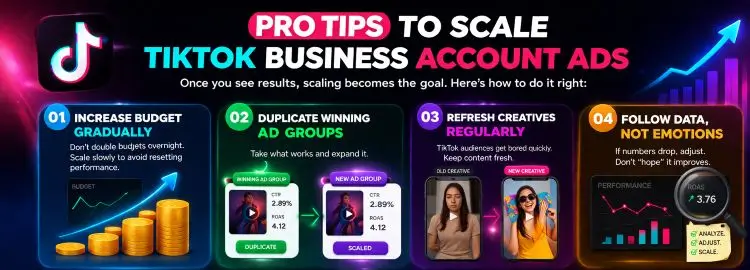
Pro Tips to Scale TikTok Business Account Ads

Once you see results, scaling becomes the goal.
Hereâs how to do it right:
Increase budget gradually
Donât double budgets overnight. Scale slowly to avoid resetting performance.
Duplicate winning ad groups
Take what works and expand it.
Refresh creatives regularly
TikTok audiences get bored quickly. Keep content fresh.
Follow data, not emotions
If numbers drop, adjust. Donât âhopeâ it improves.
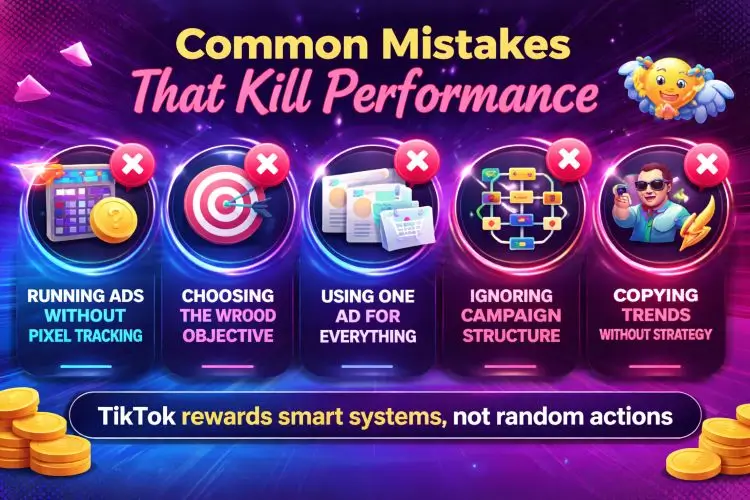
Common Mistakes That Kill Performance

Letâs save you some budget here.
- Running ads without pixel tracking
- Choosing the wrong objective
- Using one ad for everything
- Ignoring campaign structure
- Copying trends without strategy
đ TikTok rewards smart systems, not random actions.
Why Prodigmar Clients See Better Results

At Prodigmar, we donât ârun ads.â
We build systems.
We focus on:
- Data-driven tiktok campaign setup
- Structured testing frameworks
- Conversion-focused creatives
- Continuous optimization
Thatâs why campaigns donât just âperform.â
They scale.
Struggling to Turn Views into Sales?

Most TikTok ads donât fail because of budget.
They fail because of poor setup.
At Prodigmar, we analyze your campaigns, fix leaks, and build a system that actually converts.
đ Comment âTIKTOKâ on our latest video to get your FREE TikTok Ads Audit
đ Or visit: https://www.tiktok.com/@prodigmar
Final Takeaway
If you remember one thing, remember this:
đ TikTok Ads Manager is not complicated. Itâs just structured.
When you:
- Choose the right objective
- Build clean campaign structure
- Use proper tracking
- Create strong creatives
You stop guessing.
And you start growing.
Frequently Ask Questions
What is TikTok Ads Manager used for?
Itâs used to create, manage, and optimize TikTok advertising campaigns.
What is the best TikTok campaign structure?
Do I need TikTok Pixel?
What is the biggest mistake in TikTok ads?
How can I improve TikTok ad performance?